

Reference

883vcom App — Your Lobby on Any Device

The 883vcom mobile experience runs through your phone browser right now — no waiting, no queues. Open the lobby, check your account wallet and switch between live tables, slots and the sportsbook from wherever you are, wherever local law and eligible regions permit.

mobile browser accessaccount wallet on screendevice continuityavailability checksports and slots lobby
883vcom 883vcom App — Your Lobby on Any Device
883vcom Inside the 883vcom Mobile Experience

Inside the 883vcom Mobile Experience

Returning to your account on mobile is a short path. Open the site, tap your saved credentials or use fingerprint login if your device supports it, and you are back in the lobby within seconds. Quick deposit shortcuts let you push funds via JazzCash or Easypaisa without leaving the session. Push notifications alert you when a live table opens or when a

betslip result posts — so you are not refreshing manually. The sportsbook betslip stays visible as you move between cricket markets and slot rooms. This is not a stripped-down mobile page; the full lobby loads on your handset exactly as it does on desktop.
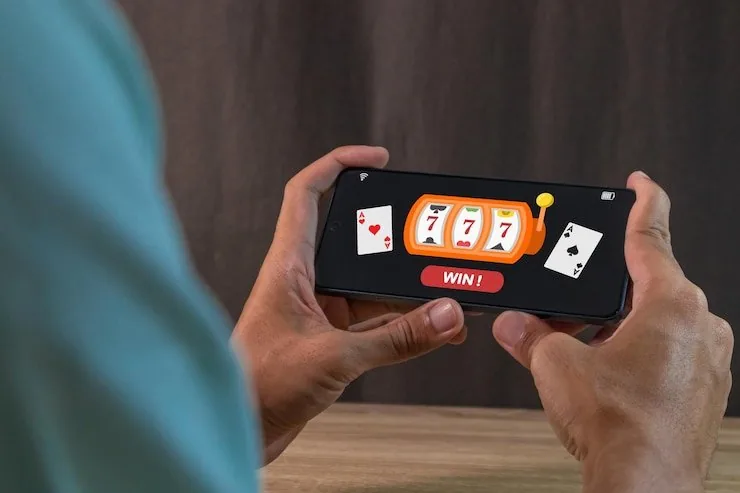
DEVICE AND BROWSER CHECK

Checking What Works on Your Handset

Most mid-range Android handsets and iPhones from the last few years handle the 883vcom lobby without issues. Below is a quick compatibility checklist you can run before your first mobile session.

883vcom Browser compatibility

Browser compatibility

Chrome on Android and Safari on iOS are the two paths we see work consistently. Firefox and Edge also load the lobby, though live-table streaming performs most smoothly on Chrome or Safari.

883vcom Screen layout

Screen layout

The lobby layout adjusts to portrait and landscape on phones and tablets. The betslip and live-table feed reflow to fit without requiring a desktop zoom.

883vcom Account requirements

Account requirements

You need a verified 883vcom account to access the full lobby on mobile. Verification takes place once and carries across all your devices automatically.

APP FEATURE SNAPSHOT

Four Features That Change How You Return

These are the mobile-specific features that make coming back to 883vcom faster and more comfortable — from the moment you unlock your phone to the moment you confirm a withdrawal.

Fingerprint Login If your Android or iOS device has biometric unlock, you can tie it to your 883vcom session for a faster sign-in without typing your password each time.
Push Notifications Opt in and we will push a short alert when a live table you follow opens, when your betslip settles or when your withdrawal clears to your wallet.
Dark Mode Display The mobile interface adapts to your device's system dark mode, keeping the lobby easy on your eyes during late-night cricket sessions or extended slot play.
Quick Deposit Shortcut A one-tap deposit shortcut sits inside the mobile lobby header, so you can top up via JazzCash, Easypaisa or Raast without navigating away from your current game.
883vcom Mobile Access in 3 Steps

Mobile Access in 3 Steps

There is no APK download or app-store listing to hunt for. Everything runs in your phone browser, which means no storage permissions and no install waiting. Start by opening the current 883vcom address in Chrome or Safari — both handle the layout well on Android and iOS. From there, check that your browser is reasonably current; an older version can clip the

live-table stream. Log in with your account credentials or set up biometric unlock if you have not already. Once you are inside, add the site to your home screen so you have a one-tap shortcut that opens exactly where you left off. That shortcut behaves like an app icon without the app-store step.

  • Step 1 — Open the current 883vcom address — Type the address directly into Chrome or Safari. Bookmark it or add to home screen so you do not lose the correct URL.
  • Step 2 — Check your browser version — A recent version of Chrome or Safari handles the live-table stream and the sportsbook betslip without clipping. Update if your browser is more than a few versions behind.
  • Step 3 — Sign in and enable biometric — Log in with your account credentials, then enable fingerprint or face unlock in your account settings if your device supports it.
  • Step 4 — Add to home screen — Use your browser's share menu to add 883vcom to your phone home screen. The shortcut opens the lobby directly, skipping the address bar entirely.

883vcom App — Questions We Hear Most

These are the questions that come up most often when you set up or return to the 883vcom mobile experience. If your question is not here, our support channel can help.

There is no app-store listing at this time. The full lobby runs through your mobile browser, which means no download and no storage use on your device.

Yes. If your Android or iOS device has biometric unlock, you can enable it inside your account settings after your first standard login. It speeds up every return visit.

After adding 883vcom to your home screen, your browser will ask for notification permission. Accept it and we will send alerts when your betslip settles or a live table opens.

Yes. The quick deposit shortcut in the mobile lobby header opens the wallet selection. Pick JazzCash, Easypaisa or Raast, confirm the amount, and complete the transfer in your wallet app.

The layout reflows for smaller screens — the betslip, live-table feed and slot rooms all adapt — but you access the same games, the same account and the same payment options as on desktop.

Switch to a Wi-Fi connection or close background apps first. If the issue continues, try refreshing in Chrome or Safari. The Evolution and Pragmatic Play Live streams are adaptive but need a stable connection.
Reference

883vcom App

Service availability depends on eligible regions and local law. Users should check local rules before opening an account.

Access may be available only where local law permits.